
GstarCAD 2023 - Βελτιώσεις
GstarCAD 2023
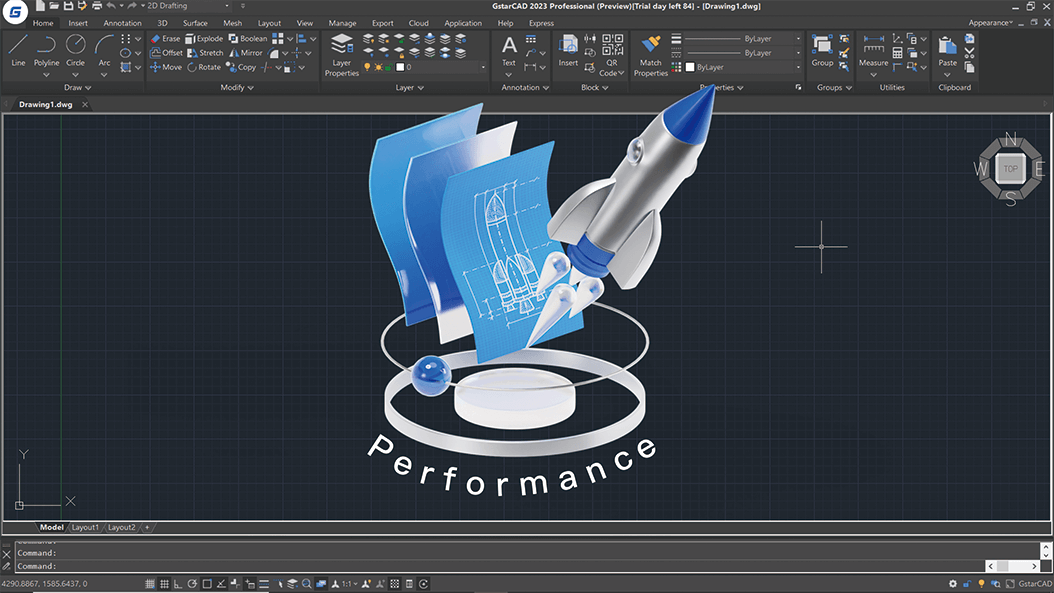
Performance Enhancement
Multi-Core is supported in GstarCAD 2023, which makes the performance significantly optimized. The speed of opening drawings increases by almost 100%, and the operation process is much smoother.
64bit VBA (Enhancement - 2.12)
GRX Enhancement (3.12)
GstarCAD 2023 GRX is perfectly compatible with AutoCAD ObjectARX 2020 APIs, programs can be successfully compiled, loaded and used without editing code. You just need to modify some options of the Configuration Properties and Rebuild Solution.
CUI Editor Enhancement (4.12)
BAUTHORPALETTE Enhacement (5.12)
The BAUTHORPALETTE command is supported in GstarCAD 2023 to enhance the compatibility of the block editor. You can open the Block Authoring Palettes window in the Block Editor with this command.
BTABLE Enhancement (6.12)
The BTABLE command is supported in GstarCAD 2023 to enhance the compatibility of the block editor. You can enter the BTABLE command to store variations of a dynamic block in the Block Properties Table.
REVCLOUD Enhancement (7.12)
In GstarCAD 2023, the REVCLOUD command adds “Rectangular”, “Polygonal” “Modify” and “Freehand” options, as well as three more system variables.
PALETTES Enhancement (8.12)
In GstarCAD 2023, you can click the Properties button or right-click on the Title bar of the palette or window to enable Anchor left/right, Auto-hide or adjust the transparency of the floating palettes or windows.
LOCKUP Enhancement (9.12)
The LOCKUP command is supported in GstarCAD 2023. It supports locking and unlocking selected objects in a drawing with a password to prevent others from modifying them.
Layout Expand Button Enhancement (10.12)
A new Layout Expand Button is added in GstarCAD 2023. When there are too many layouts in your drawing and some of them are not visible, the Layout Expand Button at the left side of the Layout Tabs can open a layout list that allows jumping to any existing layout quickly.
AI_EDITCUSTFILE Enhancement (11.12)
In GstarCAD 2023, you can enter the AI_EDITCUSTFILE command to open the Program Parameters (PGP) text file where you can add or edit your command aliases.
HELP Enhancement (12.12)
Online Help is supported in GstarCAD 2023, which will be regularly updated.
Περισσότερα Προϊόντα

GstarCAD Mechanical
Πληροφορίες…

GstarCAD Architecture
Πληροφορίες…

DWG FastView
Πληροφορίες…




Ευέλικτη αδειοδότηση

Μόνιμη Άδεια
Το GstarCAD είναι διαθέσιμο ως προϊόν "μόνιμης άδειας (perpetual license)". Με την εφάπαξ αγορά του αποκτάτε το διαρκές δικαίωμα χρήσης του λογισμικού για πάντα. Είναι πιο βολικό και πολύ πιο οικονομικό από τις συνδρομές του ACAD.

Λειτουργία Πολλαπλών αδειών
Η λειτουργία αδειοδότησης του GstarCAD είναι διαθέσιμη τόσο με Σειριακό αριθμό όσο και με κλειδί (USB Dongle) . Το καθένα μπορεί να χρησιμοποιηθεί για μεμονωμένη ή/και δικτυακή άδεια. Μπορείτε να επιλέξετε είτε το ένα είτε το άλλο με βάση τις ανάγκες της επιχείρησής σας.

Ευέλικτη πρόσβαση στην αναβάθμιση
Με ένα πολύ μικρό κόστος μπορείτε να αναβαθμίσετε την εφαρμογή στην κάθε νέα έκδοση που κυκολοφορεί ή να συνεχίσετε να χρησιμοποιείτε την ίδια έκδοση για όσο καιρό εσείς επιθυμείτε.
CAD Solutions
Ανάπτυξη, διάθεση και υποστήριξη τεχνικού λογισμικού.